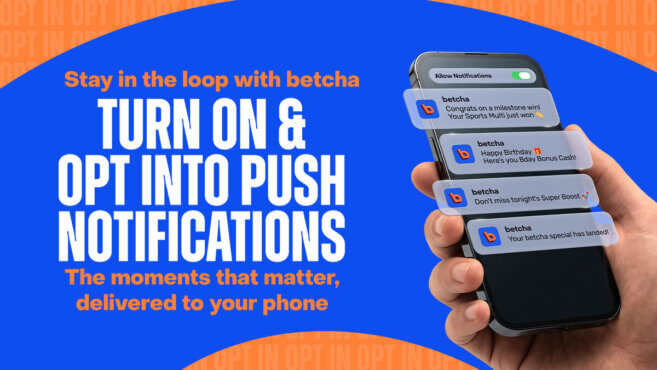
Stay across betcha offers and updates
Want to hear about sports promotions, deposit offers and personalised updates? Make sure your marketing preferences and app notifications are up to date. To receive push notifications, you’ll need to allow notifications for the betcha app in your device settings. If you’re using an iPhone, go to Settings > Notifications > betcha and turn notifications on.If you’re using Android, go to Settings > Notifications > App notifications > betcha and turn notifications on. You can then manage what you hear about from betcha in your Preference Centre. It’s easy: Go to ‘My Account’ Select ‘Preference Centre’ Choose the channels you’d…